The problem
QueueCare Clinic Queue
A manually managed waiting list makes it hard to see who is waiting, who is being served and which visit has finished. QueueCare makes those stages explicit.

Clinic operations / case study
Contactless token booking and a doctor’s queue dashboard.
The problem
A manually managed waiting list makes it hard to see who is waiting, who is being served and which visit has finished. QueueCare makes those stages explicit.
Work represented
The work presented covers patient booking, a Flask-backed token queue, SQLite persistence and the doctor dashboard. The public browser edition lets a visitor follow the same queue stages with fictional patients.
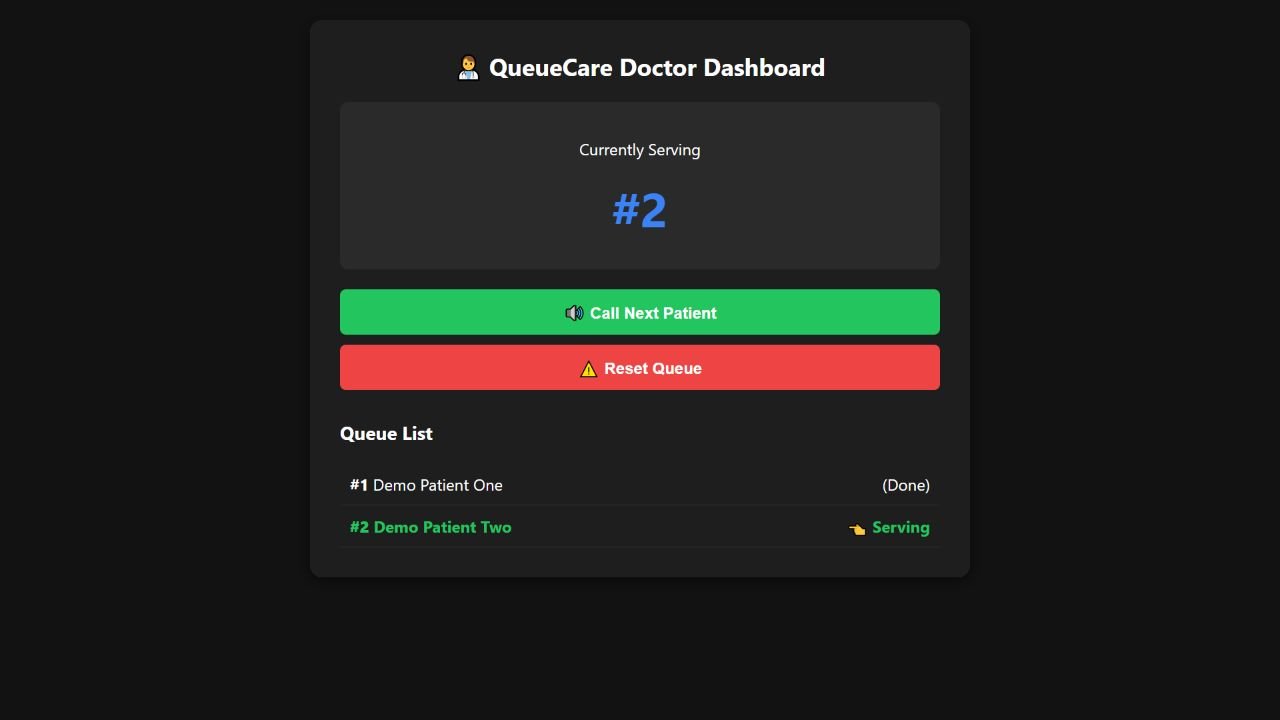 Original software UI · Explore 1 screen ↗
Under the interface
Select a component to see its role in the original application.
Component / 01
The booking view collects a patient name and issues a token. QR codes help patients reach the booking page.
Try the workflow
Public demo scope
The public edition uses fictional patient records stored in the browser. It does not take real appointments or transmit patient information to a clinic.
The original local application saved booked tokens in SQLite.
The original doctor UI advanced the serving patient during validation.
The public edition supports Waiting, Serving and Completed states.
Evidence comes from isolated local validation and original UI captures. These are engineering checks, not measured client business outcomes.
A fit for your workflow?
Discuss setup, adaptations, source access and delivery.