
Begin with the clinic workflow
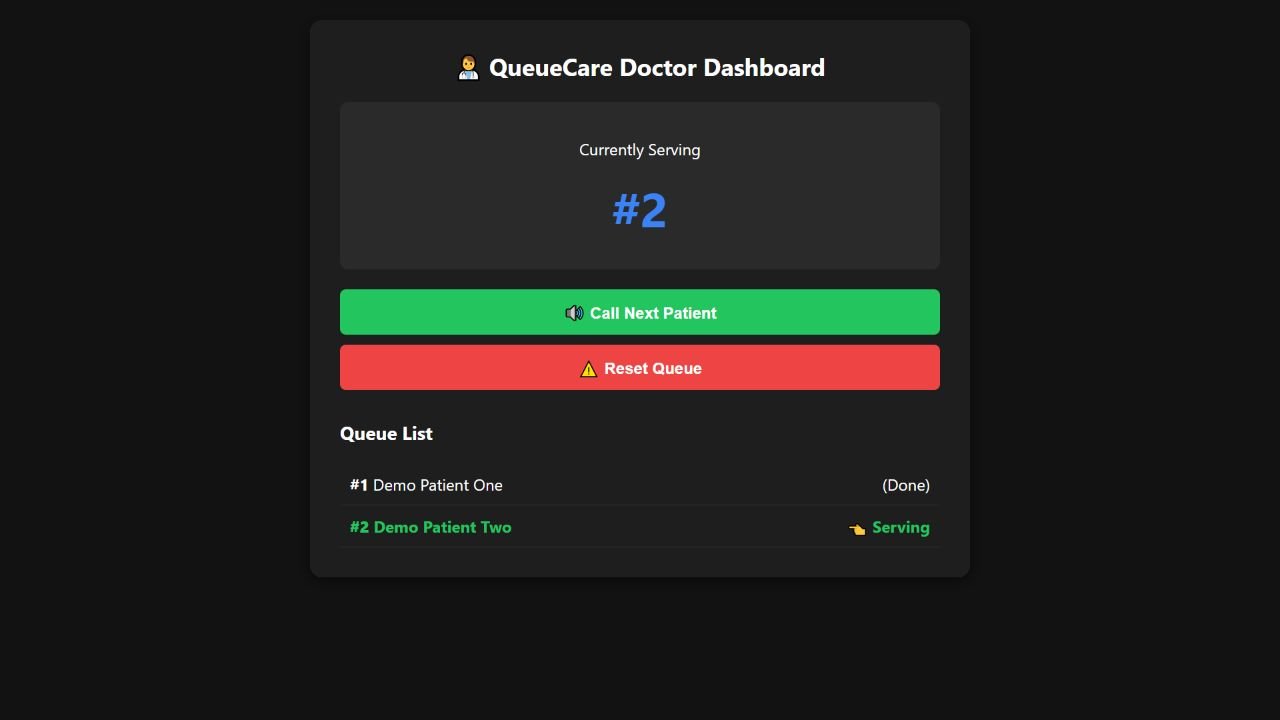
QueueCare’s original application connects token booking, a doctor’s queue view and operational metrics. Its local backend uses Flask and SQLite. The public browser edition demonstrates booking, calling and finishing a fictional token. This article explores an Azure adaptation of those workflows; it does not describe an existing production clinic deployment.
Choose the platform by the control you need
Azure Container Apps offers managed container applications and jobs, with revisions and scaling features. It does not expose the underlying Kubernetes API. AKS is the alternative to evaluate when direct Kubernetes control is a requirement. For a small HTTP application, begin with the application’s needs and the operator’s capacity rather than choosing a cluster because the application has a Dockerfile.
Avoid treating SQLite as a shared network database
A local SQLite file can make a small application straightforward to run. Multiple independent replicas introduce a different consistency problem. Before increasing the number of application instances, decide how booking records are shared, how token numbers are allocated and what happens when two operators update the queue together.
A proposed managed PostgreSQL adaptation would require actual schema, query and transaction changes. It is not a drop-in setting in the current SQLite application. The migration should have its own tests and a recoverable data conversion plan.
flowchart LR
    P[Booking page] --> A[Flask application]
    V[Doctor view] --> A
    A --> D[(Proposed shared database)]
    A --> M[Operational metrics]
Separate application identity from user identity
Managed identities let a Container App authenticate to supported Azure resources without embedding a reusable resource credential in the application. That resource identity does not replace a doctor’s sign-in or the application’s authorization rules. Booking access, operator access and resource access need distinct decisions.
Review the sensitive paths
The portfolio’s sample tokens are fictional. A real deployment needs an agreed policy for which fields are collected, who can view them, how long they are retained and how backups are handled. These requirements belong in the delivery brief before real patient information enters the system.
Make deployment validation observable
- Verify booking and token allocation under concurrent requests.
- Confirm that the doctor queue reflects the correct shared state.
- Validate access checks for operator-only actions.
- Exercise a failed database connection and inspect the response.
- Check that a new revision has the required configuration before directing traffic to it.
Azure provides hosting building blocks. The application still needs a verified data model and an operational handover suited to the clinic workflow.